

We are excited to announce the release of Leconfe version 1.4.0, bringing significant improvements and two major new features designed to make conference management easier, more flexible, and more professional.
This release focuses on enhancing the experience for conference organizers, reviewers, presenters, and participants while also improving system performance and stability.
Below are the key highlights and improvements included in this version.
Major Highlights in Version 1.4.0
🚀 Presentation Feature
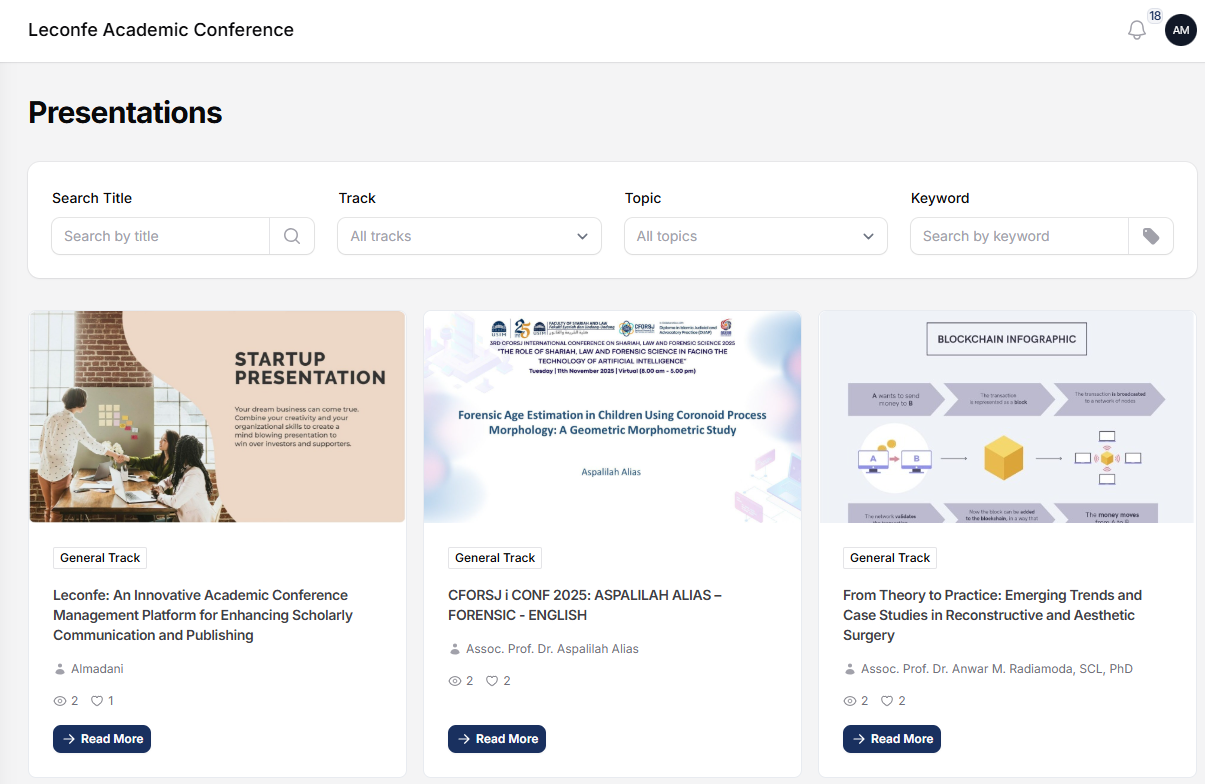
The Presentation Feature allows conference organizers to easily manage and share presentation materials within the conference platform.
With this feature, presenters can upload their presentation files so that participants can access them conveniently from the conference page.
Key capabilities include:
– Upload presentation materials (such as PDF slides)
– Display presentations directly on the conference website
– Support for embedding external presentation content such as YouTube videos
– Organized presentation display for better participant access
This feature helps conference organizers deliver a more complete and professional digital conference experience.
📖 Learn more: https://leconfe.com/docs/presentation
🌐 Website Builder Feature
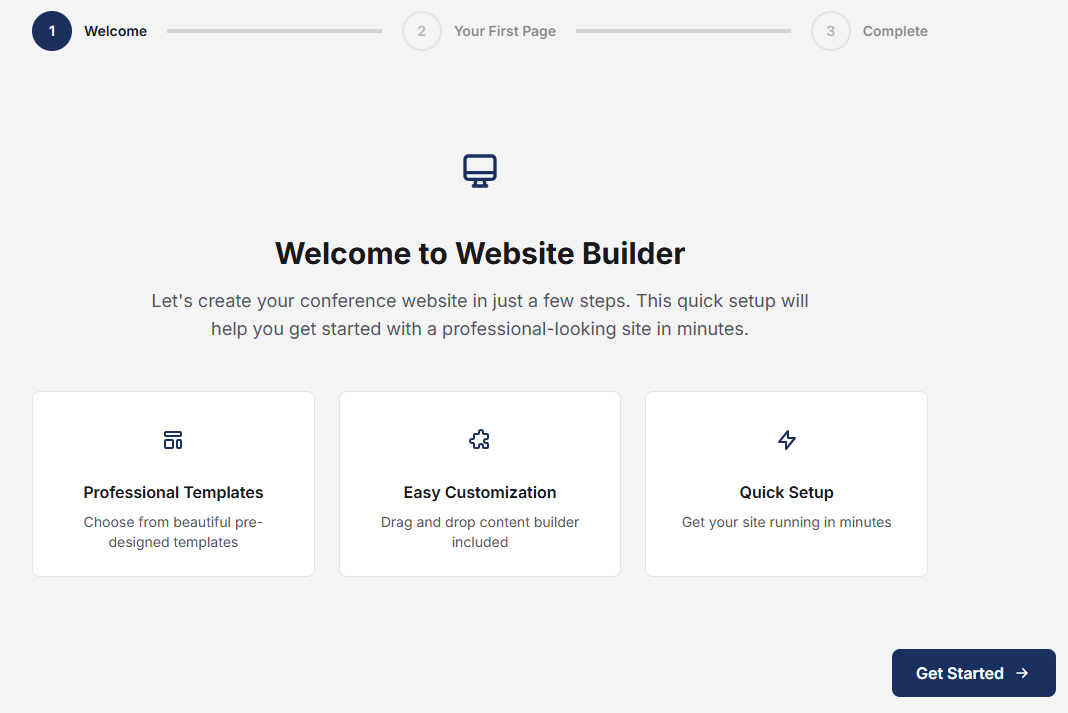
One of the most requested features from our community is now available in Leconfe 1.4.0: the Website Builder.
The Website Builder allows conference organizers to create and customize their conference websites easily without requiring any coding or technical skills.
With this feature, organizers can build professional conference landing pages by simply arranging components through the visual editor.
Key capabilities include:
– Build a conference website quickly using visual blocks
– Add and arrange sections
– Flexible content layout customization
– Easy content editing and updating
This feature gives organizers full flexibility to design a conference website that reflects the identity and branding of their event.
📖 Learn more: https://leconfe.com/docs/website-builder
New Features and Improvements
In addition to the two major features above, version 1.4.0 also introduces a variety of enhancements across the platform.
System Enhancements
– Improved user management
– Improved conference management
– New dashboard overview for internal roles
– Additional proceeding content support
– User invitation system for easier team collaboration
– Support for add-on payment items
– Role-based notifications
– Ability to change proceeding published date
Performance Improvements
– Improved database query performance
– Optimized loading for submission discussions
– Optimized image sizes for speakers and partners
– Improved email verification flow
Workflow Improvements
– Simplified scheduled conference state
– Improved review form handling without scoring
– Updated invitation email wording
Bug Fixes
Several issues reported by users have also been fixed in this release, including:
– Fixed failed email sending for accepted abstracts
– Resolved notification errors when publishing papers
– Fixed participant role display issues
– Improved access error (403) handling
– Various minor bug fixes and stability improvements
Availability for Leconfe Cloud and Self Installation
For users using Leconfe Cloud, the new features are already available and ready to use. This means organizers can immediately start using both the Presentation Feature and the Website Builder Feature without needing to perform any manual upgrade or installation.
For users running Self Installation, there are a few steps required to access these new features. First, you need to upgrade your system to Leconfe version 1.4.0, where the Presentation Feature is automatically included as part of the core system. After upgrading, you can install the Website Builder plugin from the Plugin Gallery within the Leconfe system. Once the plugin is installed, you will be able to start building and customizing your conference website using the new visual website builder.
Need Help?
If you need assistance with upgrading your system or using the new features, our team is ready to help.
You can contact our support team through the community forum.
Thank you for using Leconfe and for being part of our growing community.