
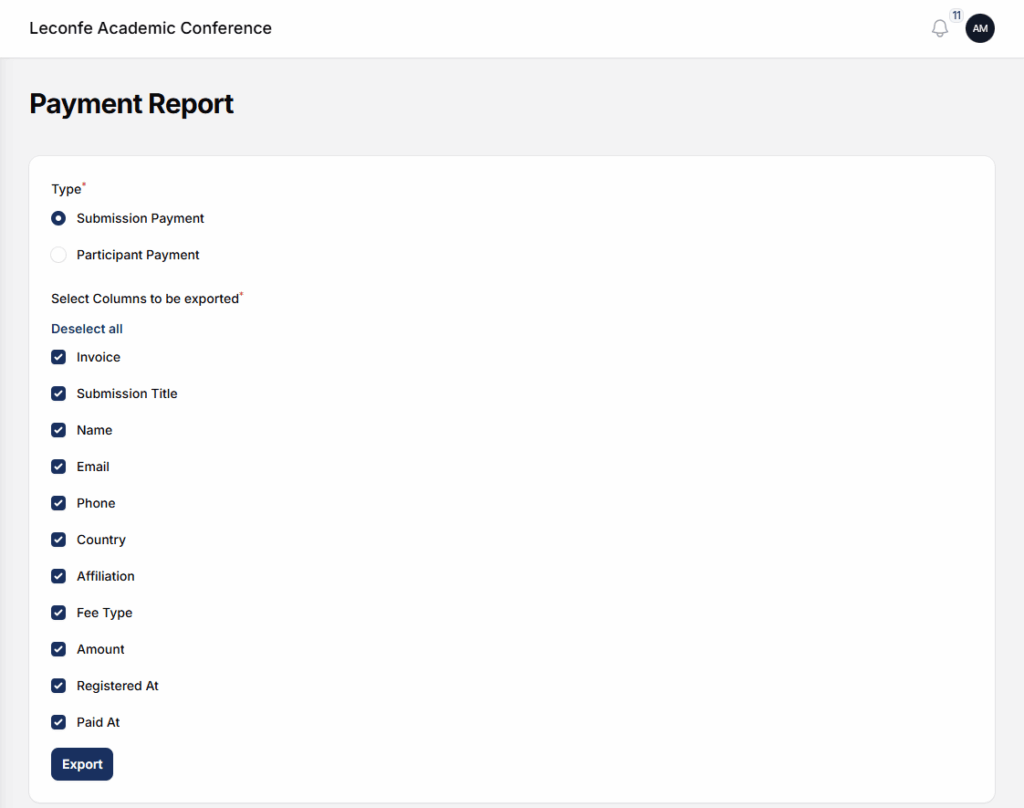
The Payment Report Plugin in Leconfe is designed to help conference administrators monitor, manage, and export payment data efficiently. This plugin provides a centralized report of all participant transactions, including payment status, payment methods, amounts, and related participant information.
With this plugin, organizers can easily track completed, pending, or failed payments and use the data for financial reporting, reconciliation, and administrative purposes.
How to Install and Active the Payment Report Plugin
Log in to your Leconfe Dashboard.
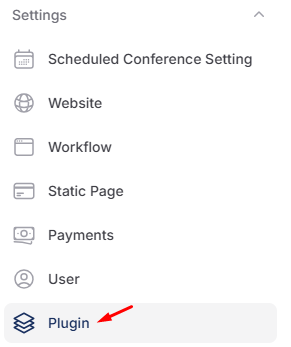
Navigate to Settings → Plugins (or Plugin Manager).
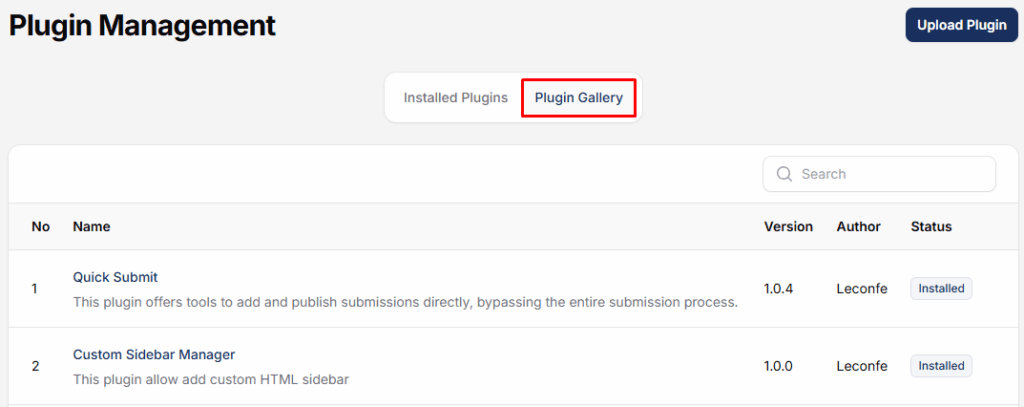
Locate Payment Report Plugin in the plugin list.

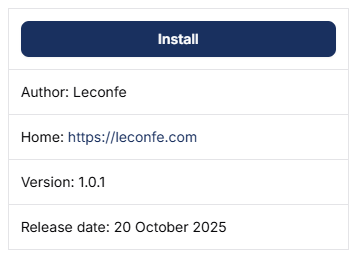
Click Install.
Wait until the installation process is completed successfully.
How to use the Report Payment plugin
After installation, remain on the Plugins page.
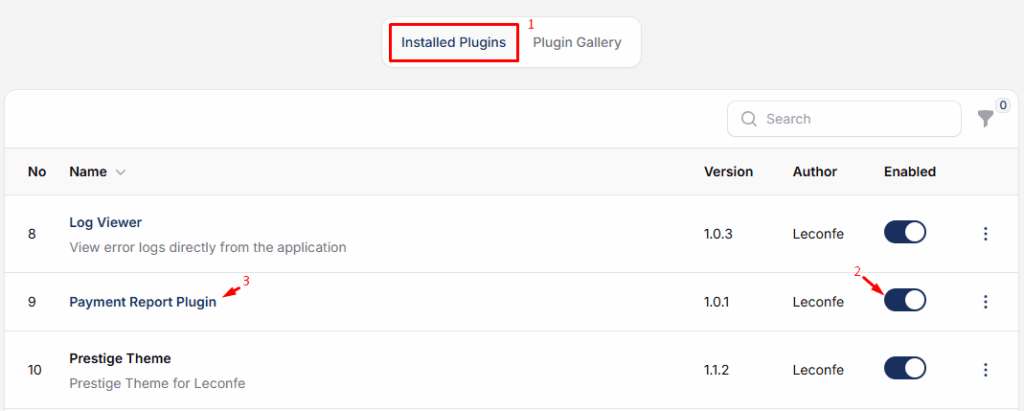
Find Payment Report Plugin in the installed plugins list.
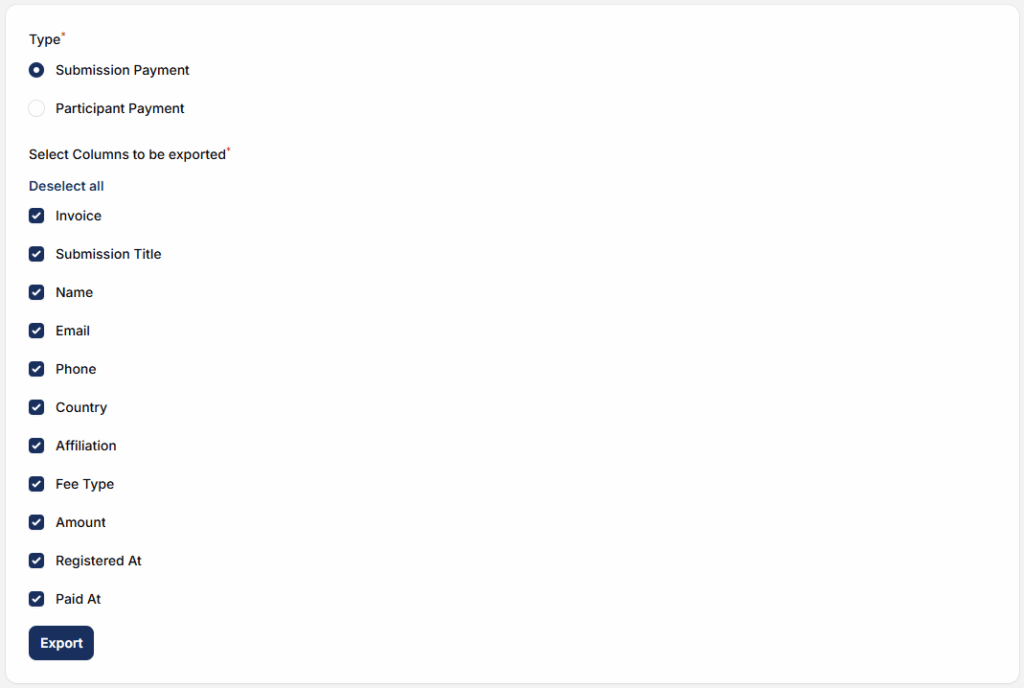
The system will display a list of all recorded payments. If needed, export the report for documentation or financial review.


