
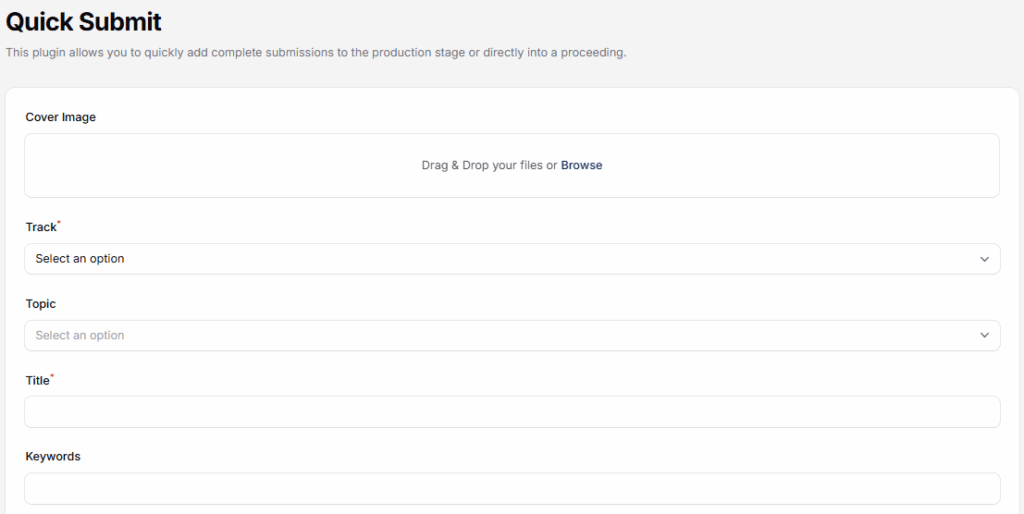
The Quick Submit Plugin in Leconfe is designed to simplify and accelerate the submission process by allowing administrators or organizers to submit papers or abstracts on behalf of authors. This plugin is especially useful for offline submissions, or cases where submission data is collected outside the Leconfe system.
With Quick Submit, submissions can be added directly to the system without requiring the author to create an account or complete the standard submission steps.
How to Install and Active the Quick Submit Plugin
Log in to your Leconfe Dashboard.
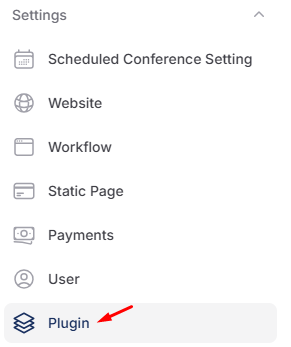
Navigate to Settings → Plugins (or Plugin Manager).
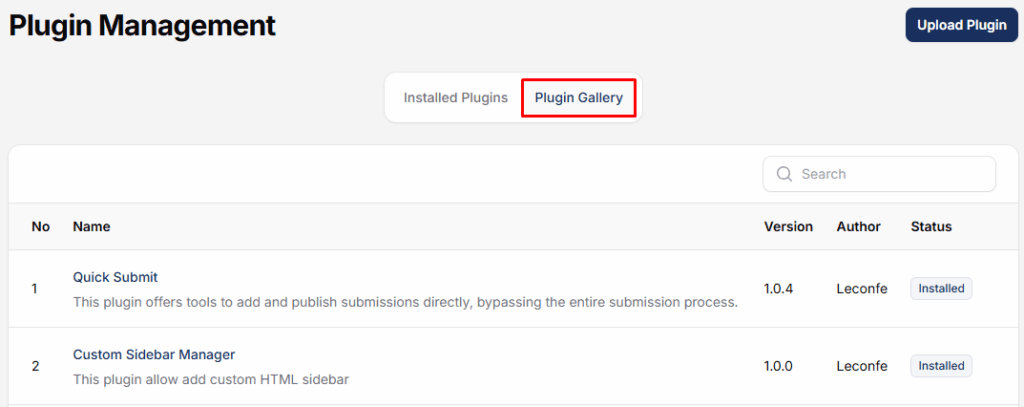
Locate Quick submit in the plugin list.

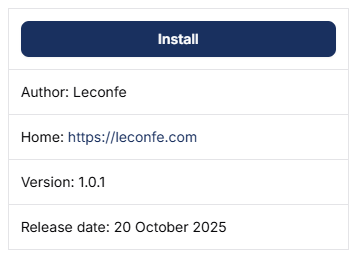
Click Install.
Wait until the installation process is completed successfully.
How to use the Quick Submit plugin
After installation, remain on the Plugins page.
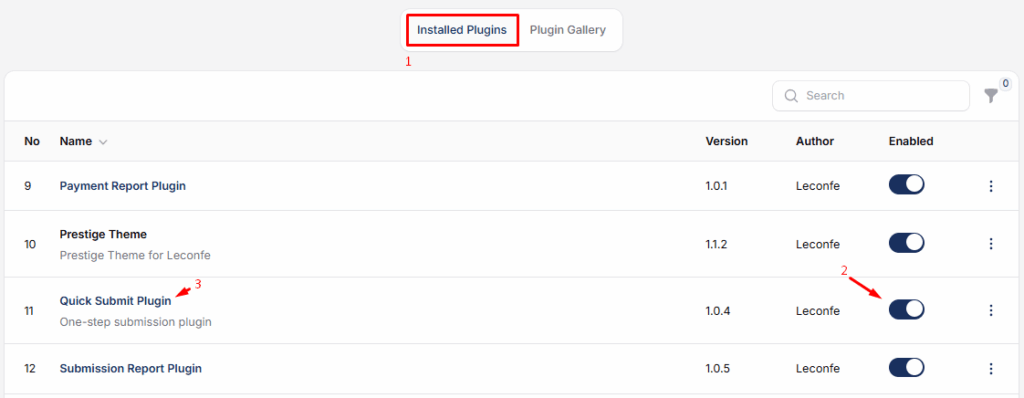
Find Quick Submit Plugin in the installed plugins list.
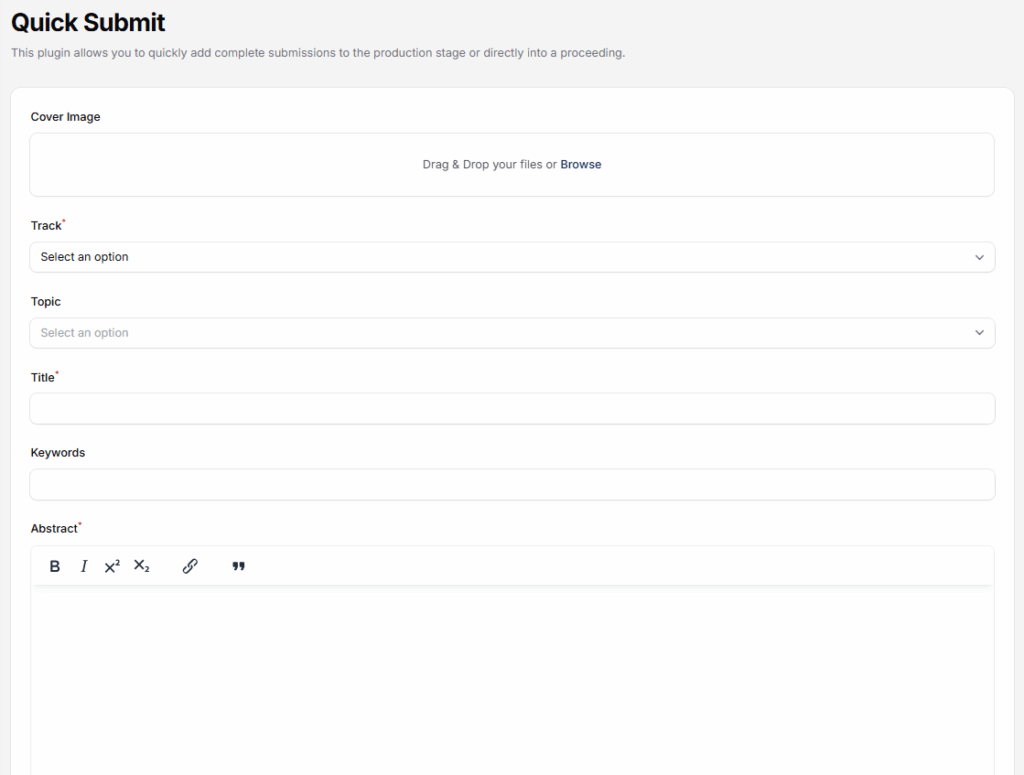
After the plugin is installed and activated, administrators can access the Quick Submit menu from the Leconfe dashboard. The admin simply fills in the required submission details—such as title, author information, topic, and files—and saves the submission


