
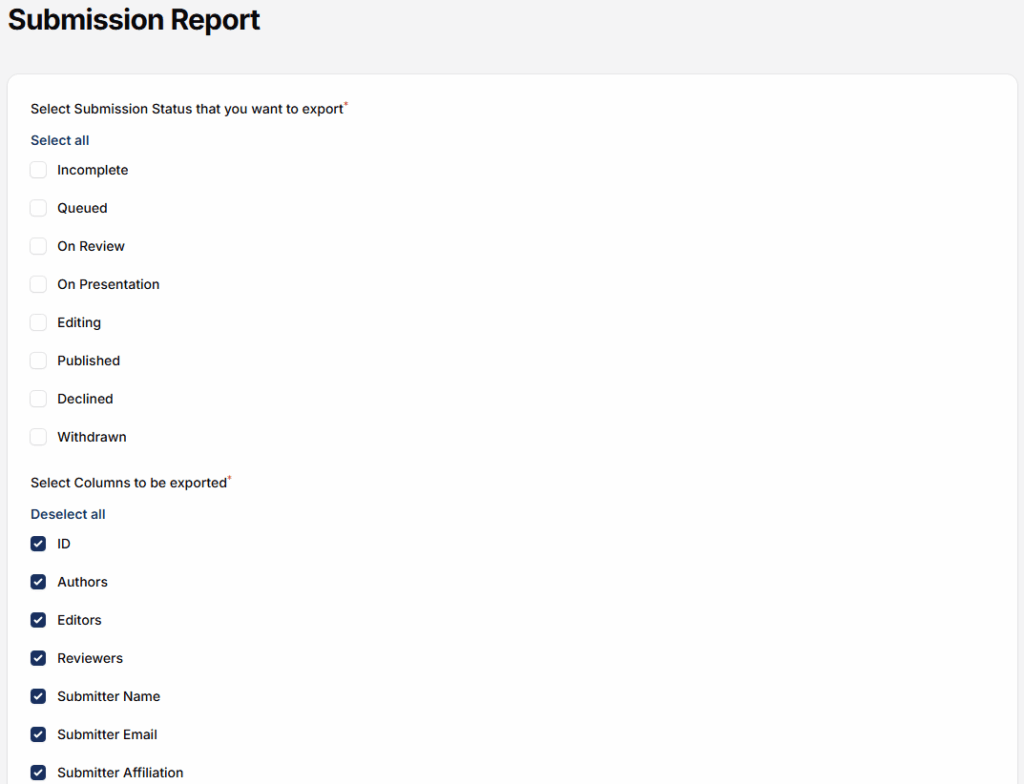
The Submission Report Plugin in Leconfe helps conference organizers monitor and manage all paper or abstract submissions in a structured and centralized report. This plugin provides a complete overview of submission data, making it easier to track submission progress, review status, and author information.
How to Install and Active the Submission Report Plugin
Log in to your Leconfe Dashboard.
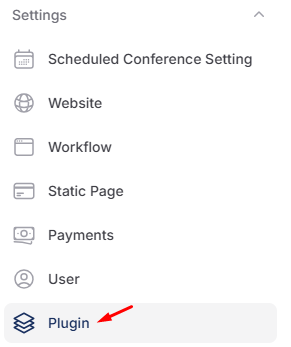
Navigate to Settings → Plugins (or Plugin Manager).
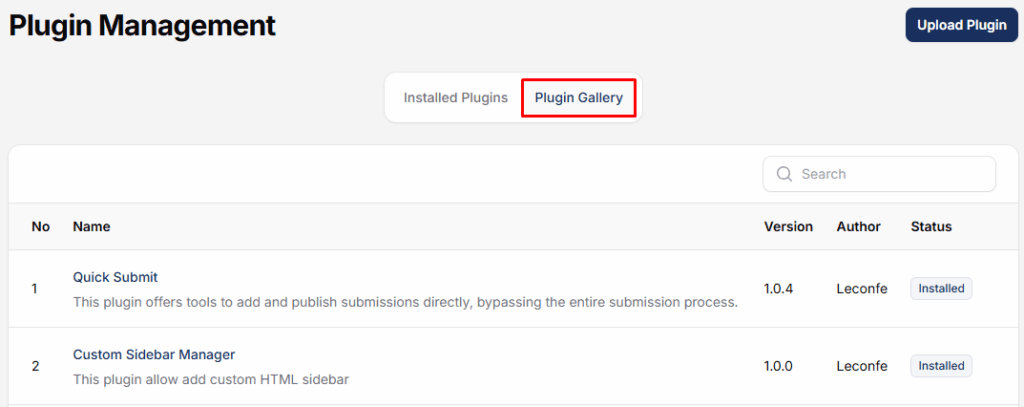
Locate Submission Report Plugin in the plugin list.

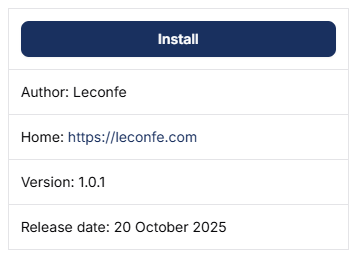
Click Install.
Wait until the installation process is completed successfully.
How to use the Report Payment plugin
After installation, remain on the Plugins page.
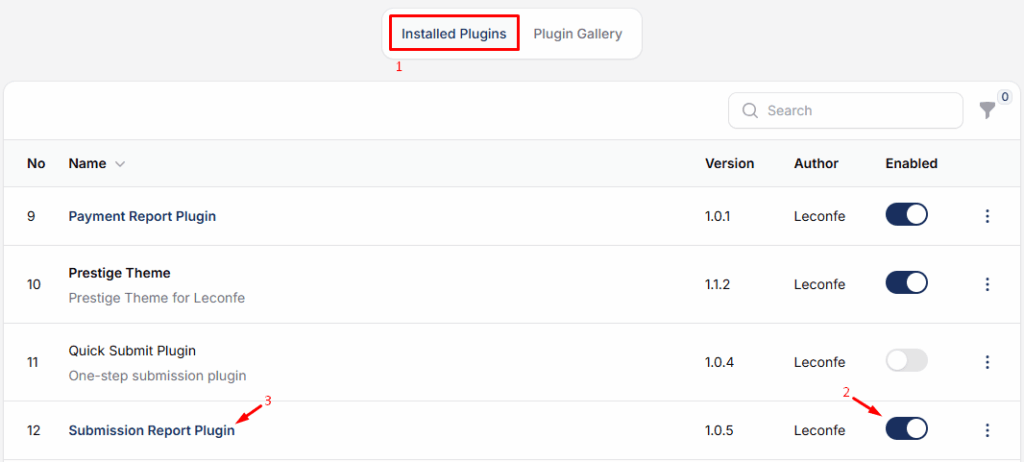
Find Submission Report Plugin in the installed plugins list.
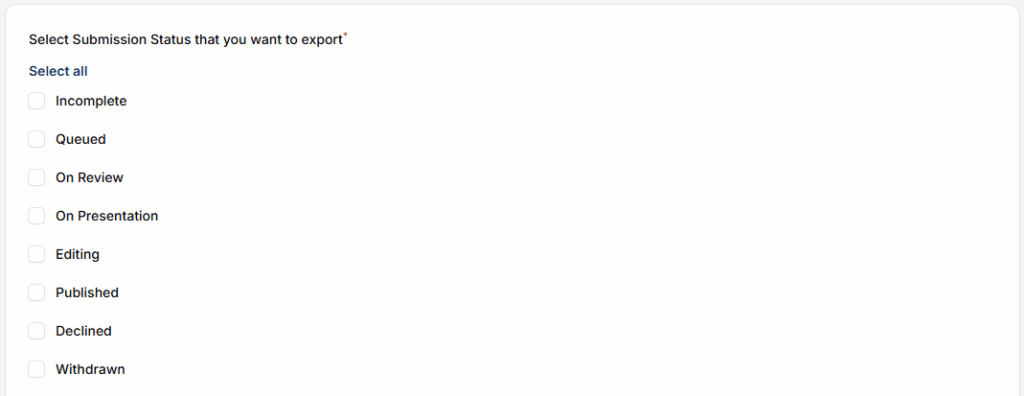
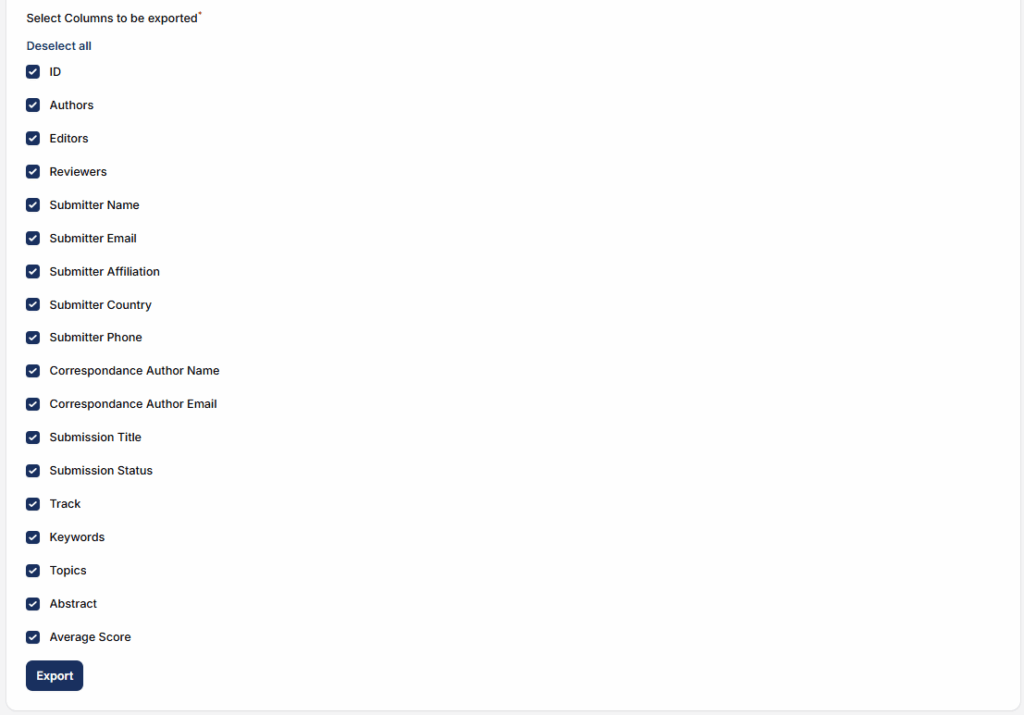
The system will display a list of all recorded submission. If needed, export the report for documentation.


