
Applies to: Leconfe 1.5.0-beta.3
Audience: Conference Managers, administrators, and authors
Short answer: “Submission Not Open” normally means that the current date and time are outside the submission period configured for the scheduled conference. It can also occur when the event timezone, publication status, or submission configuration is incomplete.
Check the Submission Period
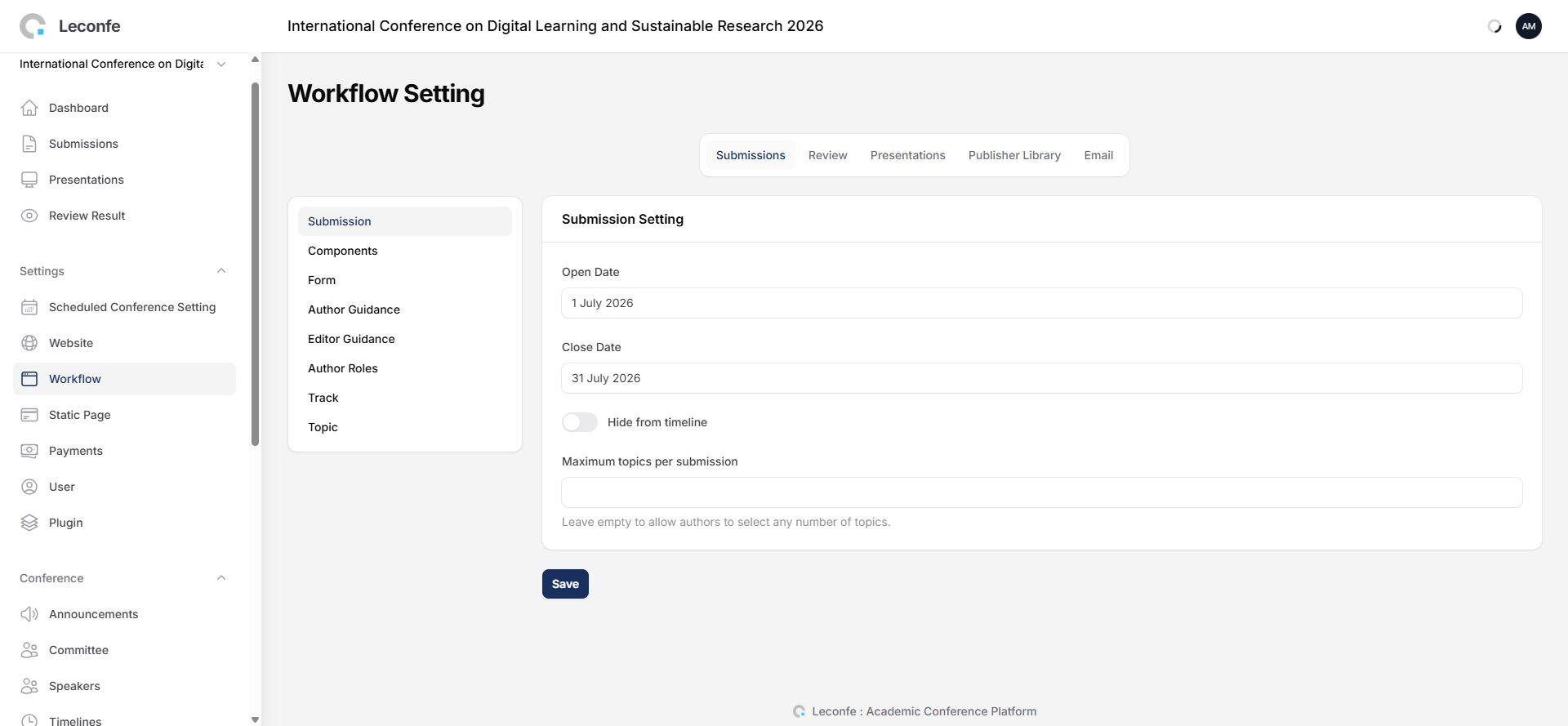
- Sign in as a Conference Manager or administrator.
- Open the correct Scheduled Conference.
- Open Workflow.
- Select Submissions, and then open Submission.
- Check the Open Date and Close Date.
- Confirm that the current date and time fall within that period.
- Select Save after making a correction.
Check These Common Causes
- The Open Date is in the future. Submission will remain closed until the configured opening time.
- The Close Date has passed. New submissions are blocked after the closing time.
- The dates were entered in the wrong order. The Open Date must be earlier than the Close Date.
- The event timezone is incorrect. The public status follows the scheduled conference timezone, which may differ from the manager’s local device time.
- The wrong scheduled conference is open. Every event can have different submission dates.
- The event is still a draft or is not publicly available. Check its publication and visibility status.
- The user has not entered the Author workflow. Confirm that the user is signed in and opening the correct event.
Check the Scheduled Conference Timezone
Open Website > Setup and confirm the event timezone. If the timezone is changed, recheck all published dates, including submission, presentation, payment, and event schedules.
For example, a submission period that closes at 23:59 in the event timezone may already be closed for a user in another timezone.
Confirm the Submission Workflow Is Ready
Before opening submissions publicly, also confirm that:
- The required submission components have been created.
- Author guidance and submission requirements are complete.
- Topics or tracks are available when the form requires them.
- Submission fees and payment methods are configured when payment is required.
- The scheduled conference is published and accessible from the intended public conference site.
How to Test the Fix
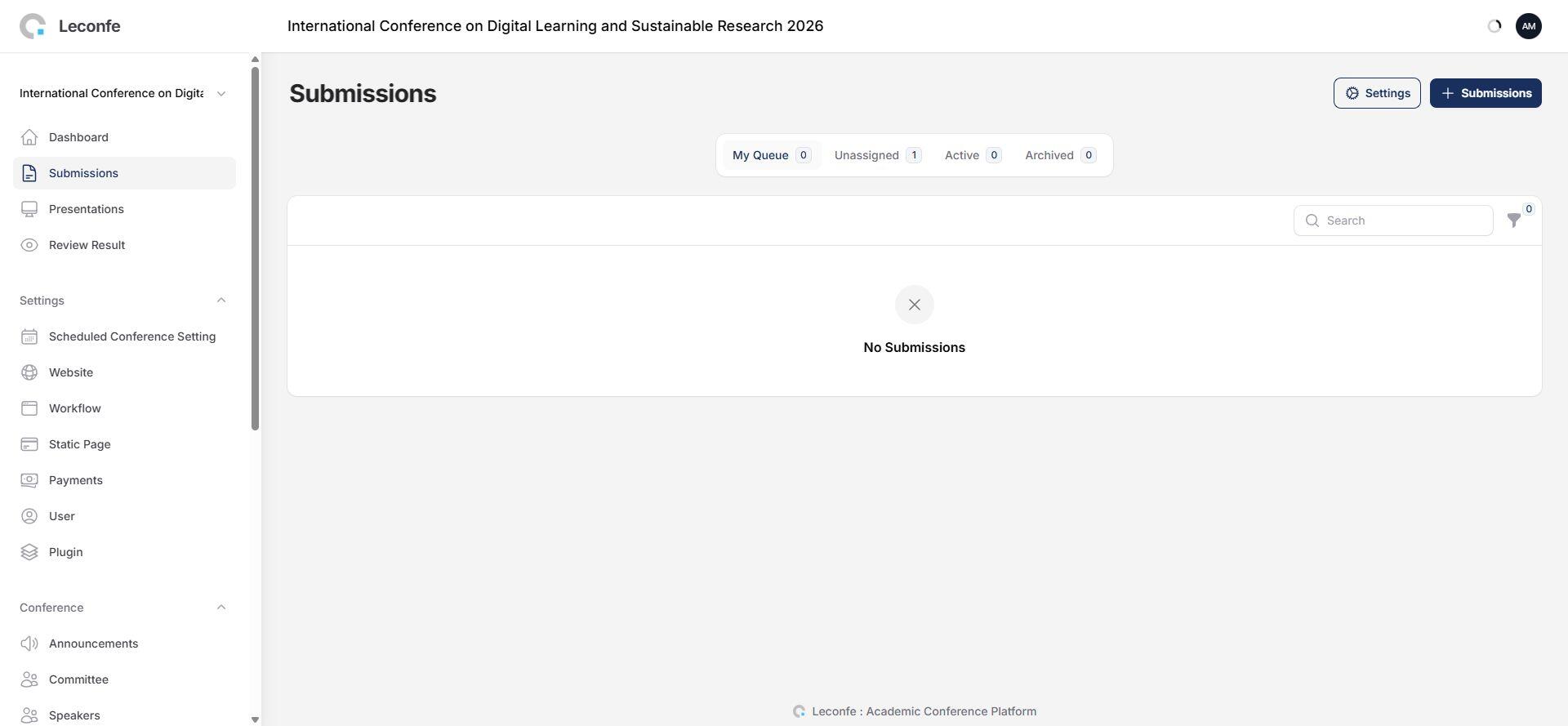
- Save the corrected dates and timezone.
- Open the public conference website in a private browser window.
- Sign in with a test author account.
- Open the correct scheduled conference.
- Confirm that the new-submission action is available.
If the status remains unchanged, record the current time, the event timezone, the configured Open Date and Close Date, and the scheduled conference URL before contacting technical support. These details make the problem much easier to diagnose.


